You can only login to your Creatorflow account from inside your YouPay account.
Your Creatorflow account does not have its own username and password. Rather, you are securely logged in via a link inside your YouPay account.
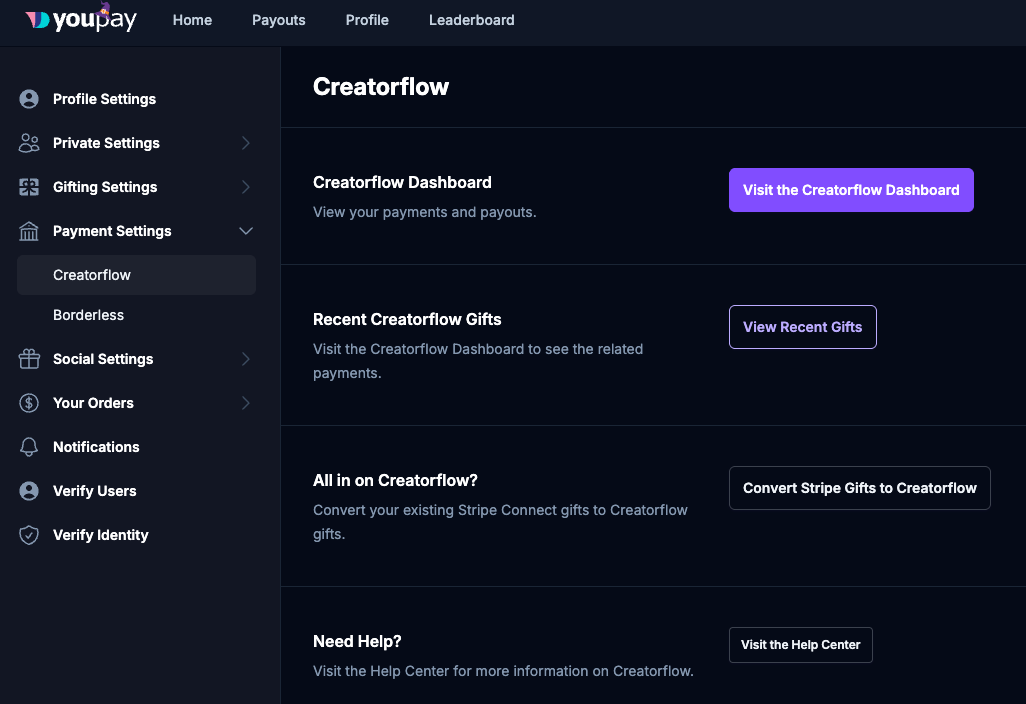
To access your Creatorflow account follow these steps:
1. Login to YouPay
2. Click your profile picture in the top right corner
3. Click Creatorflow
Or simply visit https://youpay.me/creatorflow
You'll then automatically be logged in securely.
Was this article helpful?
That’s Great!
Thank you for your feedback
Sorry! We couldn't be helpful
Thank you for your feedback
Feedback sent
We appreciate your effort and will try to fix the article