A Verified YouPay account is represented by a blue checkmark (tick) next to the user’s profile image, indicating that YouPay has confirmed that the account is operated by a known creator with a dedicated following who has demonstrated a consistent commitment to using YouPay to receive gifts from their fans.
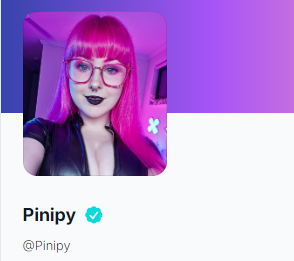
Verified accounts get to enjoy the following perks:
- Receive gifts of higher values
- Higher withdrawal limits
If you believe your account meets the criteria to be Verified, submit a support ticket at https://youpay.co/ticket and provide us with:
- Your YouPay wishlist link or username
- Your social media account(s)
Was this article helpful?
That’s Great!
Thank you for your feedback
Sorry! We couldn't be helpful
Thank you for your feedback
Feedback sent
We appreciate your effort and will try to fix the article